Yolo247 Customer Support helps users solve login problems, payment issues, and account questions. Whether you forgot your password, have a pending withdrawal, or need help with verification, our support team is here to assist you.
The Yolo247 platform offers 24/7 customer care through Live Chat, email, and other contact options. You can ask questions, report errors, and get help with your account.
This blog explains how to contact Yolo247 Support, fix common problems, and find the right help for each issue.
What Is Yolo247 Customer Support?
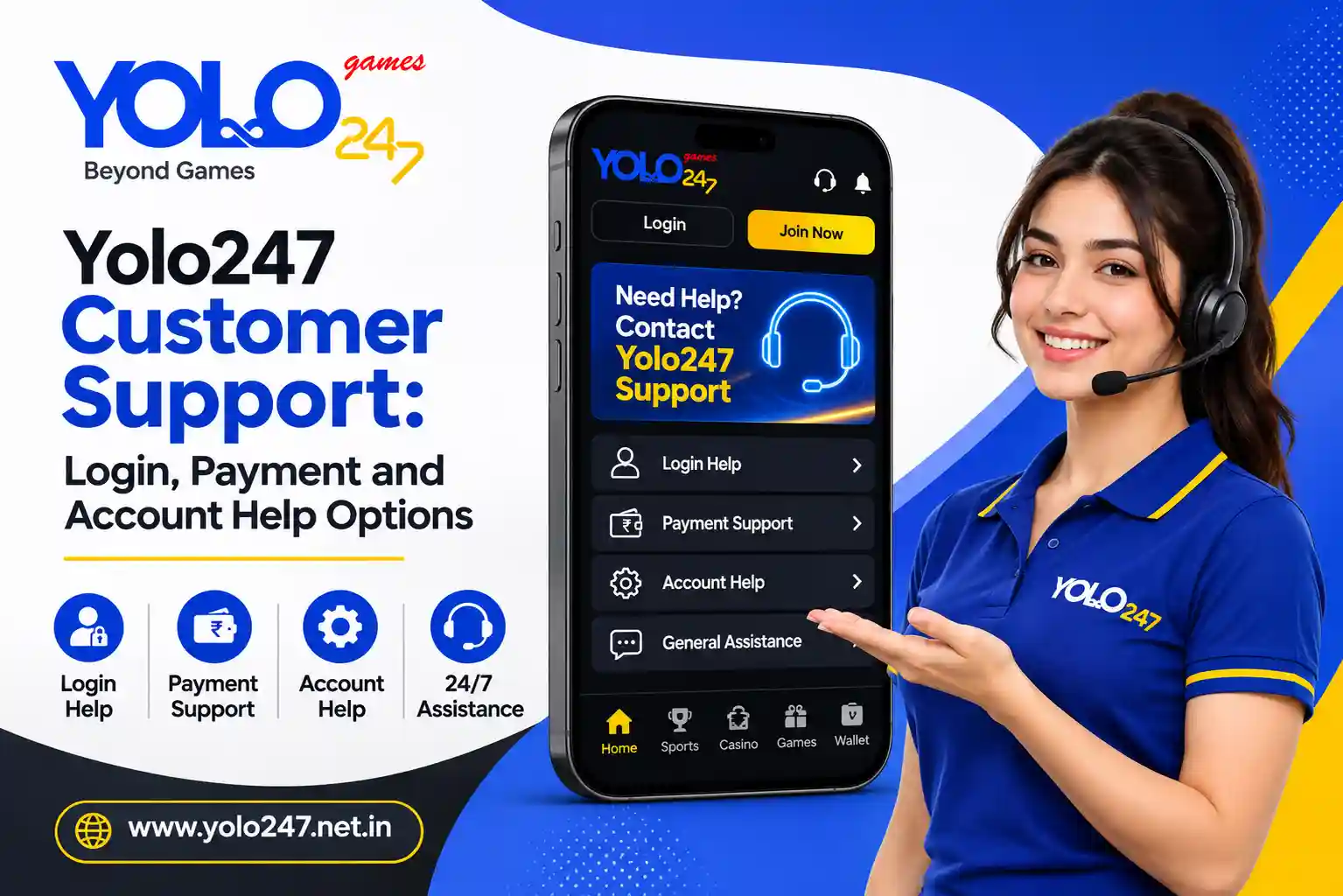
Yolo247 Customer Support is our help service for users who need help with their accounts, payments, or platform features. Our team handles questions about account access, deposits, withdrawals, security checks, and technical errors.
Users can contact Yolo247 Support at any time. The service operates 24 hours a day, 7 days a week.
Our support team assists users with:
- Login Help: Password resets, OTP issues, and account access.
- Payment Support: Failed deposits, pending payments, and wallet balance issues.
- Withdrawal Help: Payout status, bank details, and transaction checks.
- Account Verification: KYC documents and profile details.
- Technical Support: Website errors, mobile app issues, and loading problems.
- Bonus Questions: Welcome offers, reward status, and bonus conditions.
Each issue needs different details. Therefore, choosing the right support channel helps our team review your request.
How to Contact Yolo247 Customer Support?
Yolo247 offers several customer care options. You can choose a channel based on your question and the type of help you need.
1. Yolo247 Live Chat Support
Live Chat offers a direct way to contact our customer care team. You can open the chat window on our website and explain your problem.
Follow these steps:
- Visit the official Yolo247 site.
- Find the Live Chat option.
- Click the chat icon to open the window.
- Enter your question or account concern.
- Follow the steps our support agent shares.
Live Chat works well for urgent login errors, wallet questions, and basic account help.
2. Yolo247 Email Support
Email support is useful when your issue needs a detailed review. For example, you might need to share a payment reference, explain an account error, or request a transaction check.
Visit our Contact Us page for the official support email address. Our team aims to respond to email requests within 24 hours. However, some cases need more time for review.
3. Phone and Social Media Support
Yolo247 also lists phone support and social channels for customer assistance. You can check the official website for the available contact details. Our listed social channels include Facebook, Instagram, and X. Always use the links on our website to avoid fake support accounts.
Support channels and response targets follow Yolo247’s published contact information.
Overview of Yolo247 Customer Care Services
Support Option | Best For | Availability |
Live Chat | Login and payment help | 24/7 |
Email Support | Detailed account issues | 24/7 requests |
Phone Support | Direct customer assistance | Check official hotline |
Social Channels | General questions and updates | Varies |
Yolo247 Login Problems and Account Recovery Help
A failed login can stop you from checking your wallet, account activity, or game history. However, many login problems have simple solutions.
Forgot Your Yolo247 Login Password?
If you cannot remember your password, use the recovery option on the Yolo247 Login page.
- Open the Yolo247 Login page.
- Click Forgot Password.
- Enter your registered mobile number.
- Complete the OTP verification.
- Create a new password and log in again.
Choose a strong password that you do not use on other websites.
OTP Not Received or Account Locked?
Sometimes, an OTP arrives late due to network problems. Also, repeated incorrect passwords can cause a temporary account lock.
First, check your mobile signal and registered number. Next, request another OTP through the available option.
If your account remains locked, contact Yolo247 Customer Support. Our team will explain the next recovery steps. Never share your OTP or password with anyone.
Yolo247 Payment Support: Deposit and Wallet Issues
Yolo247 offers payment options such as UPI, net banking, and cryptocurrency. However, a payment can sometimes succeed without an immediate wallet update.
What to Do If Your Yolo247 Deposit Is Missing?
A missing deposit does not always mean your payment failed. Your bank might complete the transfer before your gaming wallet shows the funds.
Follow these checks:
- Payment Status: Open your banking or payment app and confirm the transaction.
- Wallet Balance: Refresh your Yolo247 wallet and check the latest balance.
- Transaction History: Look for the deposit record and payment status.
- Payment Reference: Keep your UPI transaction ID or bank reference number.
- Customer Support: Contact Live Chat if your deposit still does not appear.
For example, if your bank confirms a ₹1,000 payment but your wallet shows no credit, share the ₹1,000 amount and transaction reference with support. Avoid making the same payment again until you check the first transaction.
Yolo247 Withdrawal Support and Pending Payment Help
Withdrawal questions are another key part of Yolo247 Support. Our team helps users check payout requests, verification status, and payment details.
Yolo247 advertises a 15-minute withdrawal time after verification. However, actual payout times depend on account checks, payment processing, and withdrawal conditions.
How to Check a Pending Yolo247 Withdrawal
First, open your account wallet and review the withdrawal history.
Then check these details:
- Confirm your withdrawal amount and request status.
- Review your bank account or crypto wallet details.
- Check whether your account needs verification.
- Look for any pending withdrawal conditions.
- Contact Yolo247 Customer Support if the payout remains pending.
Share the withdrawal reference and request details when you contact our team.
Yolo247 Account Verification and KYC Support
Account verification helps confirm your identity and protect your account. Yolo247 might request KYC documents before certain account services or withdrawals.
Our support team assists with verification questions, incorrect profile details, and document review concerns.
Common Yolo247 KYC Problems
Some users face issues because their account details do not match their documents.
For example, a different name or date of birth can delay verification.
To avoid these problems, enter accurate personal information during registration. Also, check your document details before you submit them.
If verification fails, contact Yolo247 Support through an official channel. Our team will explain what information you need to correct.
Yolo247 App Support for Android and Mobile Users
The Yolo247 App gives Android users mobile access through an APK download. Users can also access the mobile-friendly website through a supported browser.
However, app errors can sometimes affect login, loading, or account access.
How to Fix Common Yolo247 App Problems
Try these simple checks before contacting technical support:
- App Not Opening: Restart your phone and open the app again.
- Slow Loading: Check your internet connection.
- Login Error: Confirm your username and password.
- Old App Version: Check the official website for the latest Android APK.
- Screen Freezing: Clear the app cache and restart it.
If the problem continues, tell our support team your device model, Android version, and error message.
Conclusion
Yolo247 Customer Support offers help with login errors, missing deposits, pending withdrawals, KYC checks, and mobile app problems. Our 24/7 Live Chat and other contact channels help users find assistance when they need it.
For a smooth experience, keep your account details correct and use official support channels.
Ready to explore the platform? Join Yolo247 India, create your account, and access our sports, casino, and account services. Our customer support team is here to help with your questions.